
When a voucher has been sold it is possible to check the voucher history and the tab where the voucher was redeemed.
Voucher History:
1. Click on Sold vouchers.
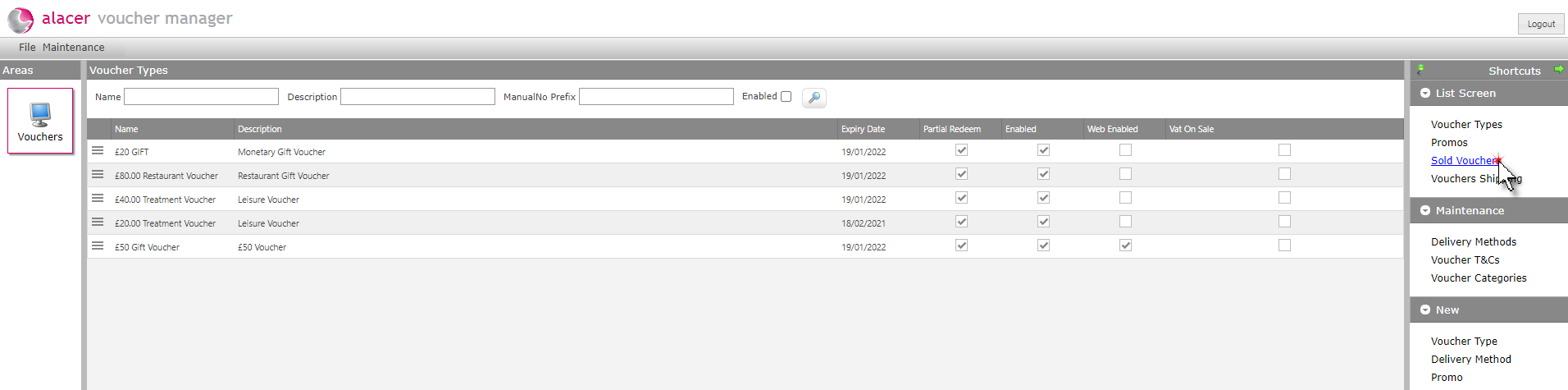
2. Click on the required voucher.

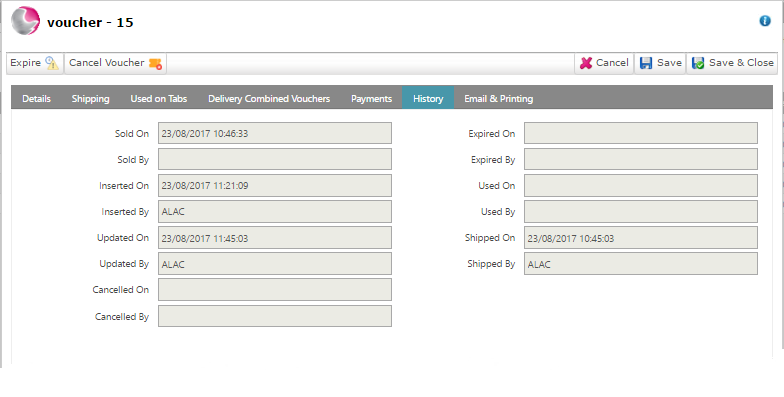
3. Click on the history page.

4. The history of the voucher will be displayed.
Used on tabs:
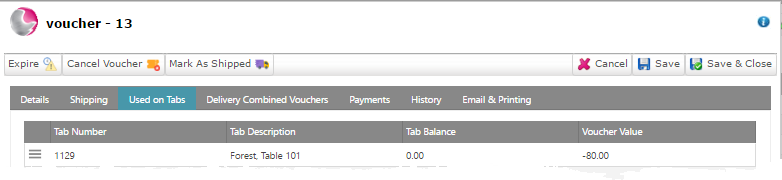
1. Click on the used on tabs page.

2. The information displayed will show the tab number where the voucher was redeemed, the tab description, current balance of the tab and the original voucher value.
See next: How to Sell a Voucher
How to Mark a Voucher as Shipped