
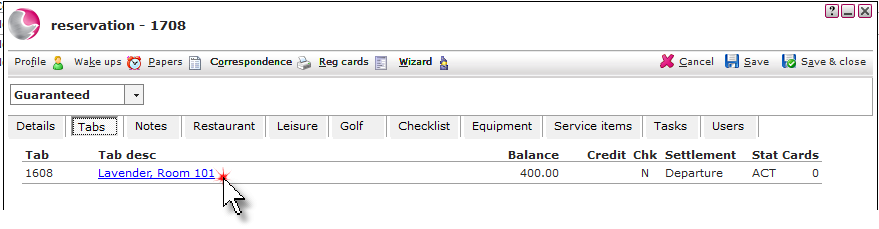
1. Open the reservation and click on the Tabs page. Click on the Tab description.
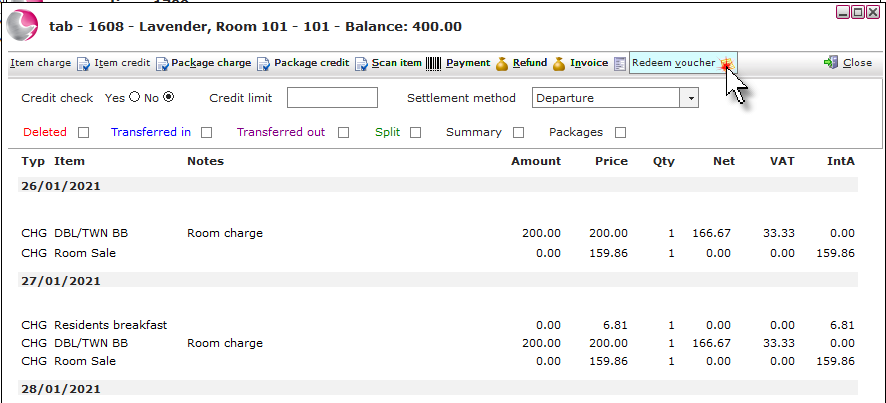
2. Click Redeem voucher.
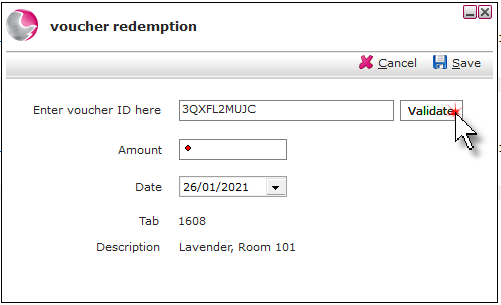
3. Enter the Voucher ID and click Validate.
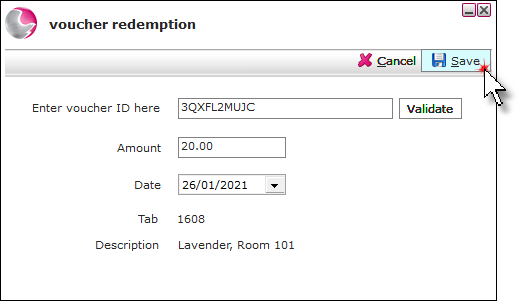
4. The value of the voucher will display in the amount field. If the voucher type has been setup to allow partial redemption the amount can be overtyped.
5.Click Save.
See also: How to Create a New Voucher Type
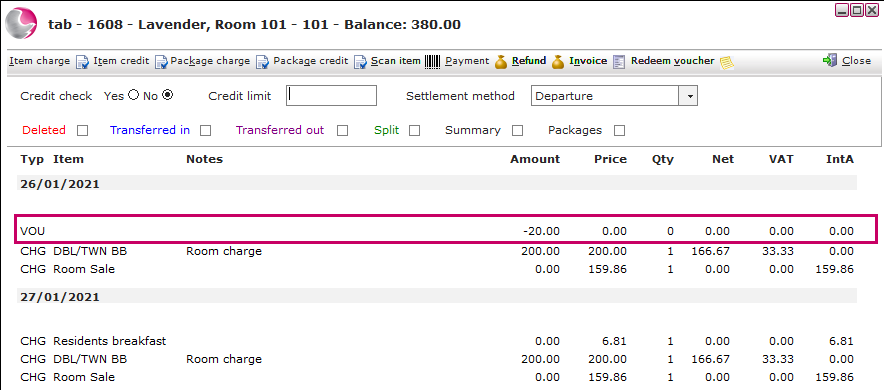
6. The voucher redemption will display as VOU on the tab.
See next: How to View/Print an Invoice
How to Sell a Voucher from Hotel Manager
How to Cancel, Amend, Expire Voucher from Hotel Manager