
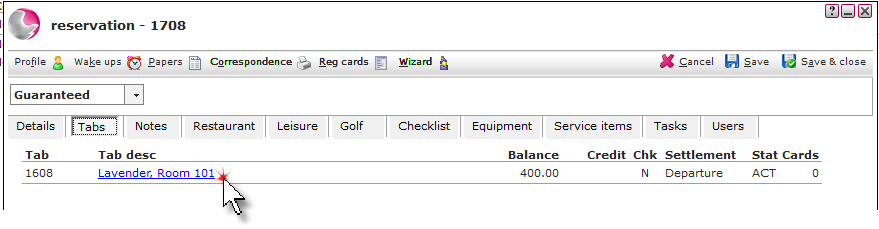
1. Open the reservation and click on the Tabs page. Click on the Tab description.
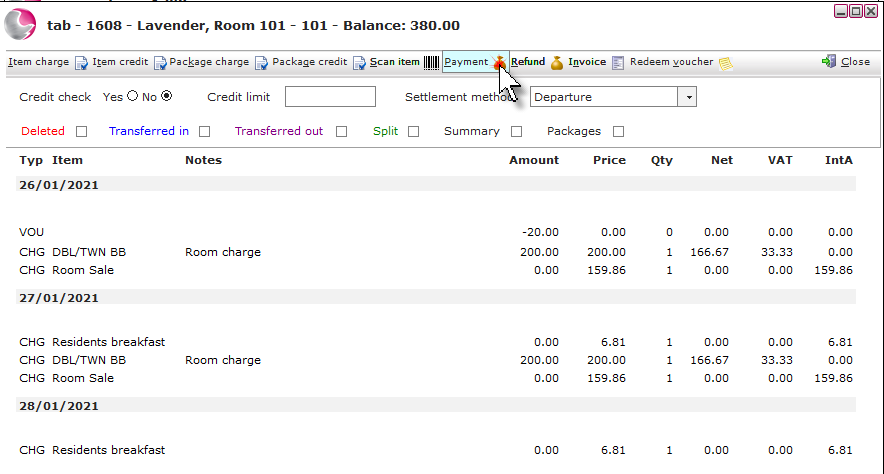
2. Click on Payment.
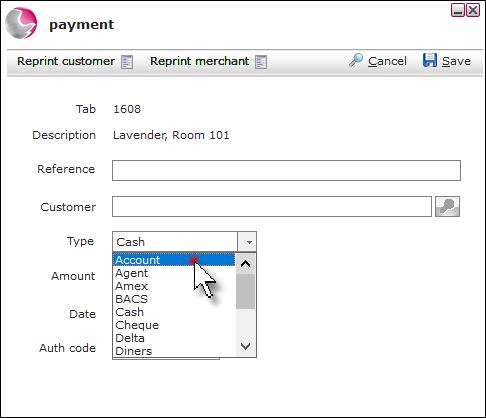
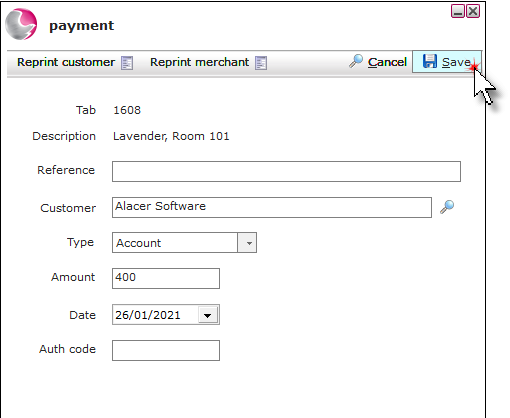
3. Change the payment type to Account.
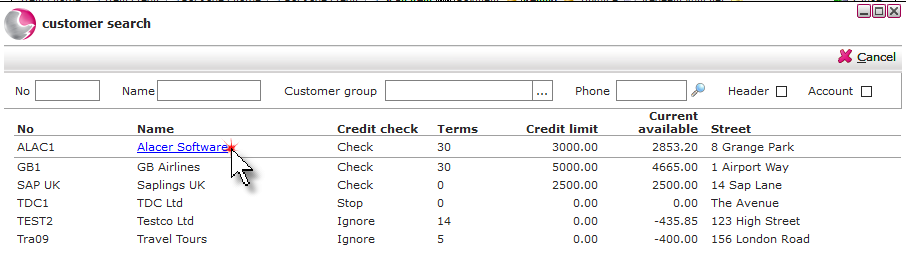
4. Click the magnifying glass next to the customer field.
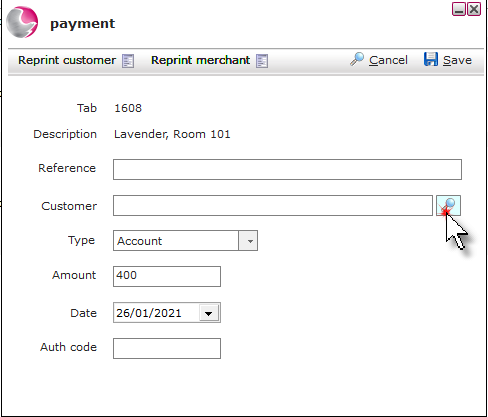
5. Select the account.
6. Click Save.
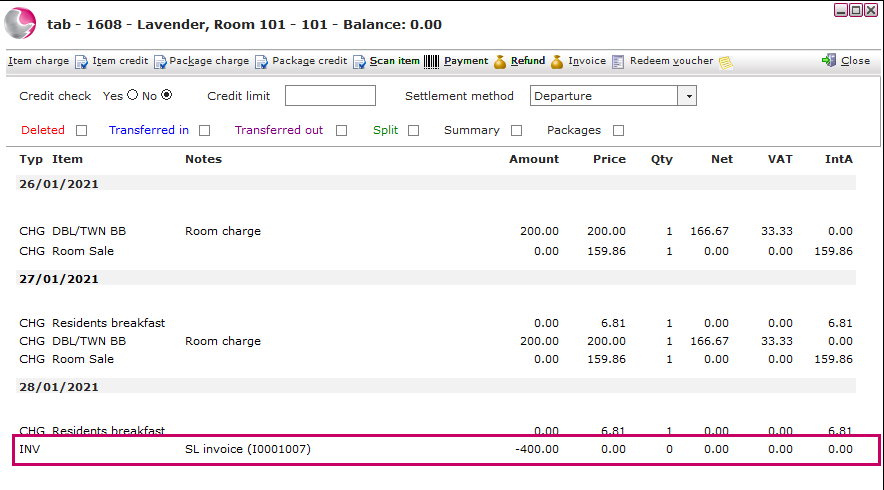
7. It will appear as INV with a note of SL Invoice and the invoice number. The invoice can be managed in the customer account in the Sales Ledger application.
See Next: What is Sales Ledger?
How to Add a Payment to a Tab