
This feature is used to include or exclude individual tabs from a group booking. i.e. If the only some of the bedrooms are to be paid for as part of the group.
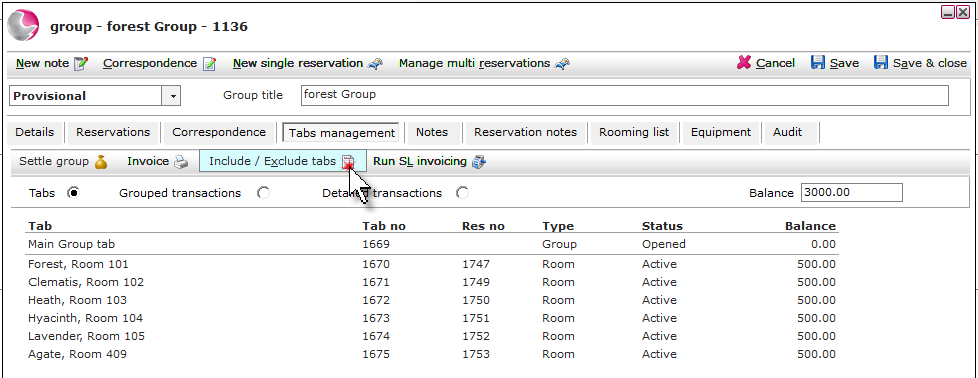
1. Open the group booking and click on Tab management.

2. The tabs attached to the group will display. Click Include / Exclude tabs.
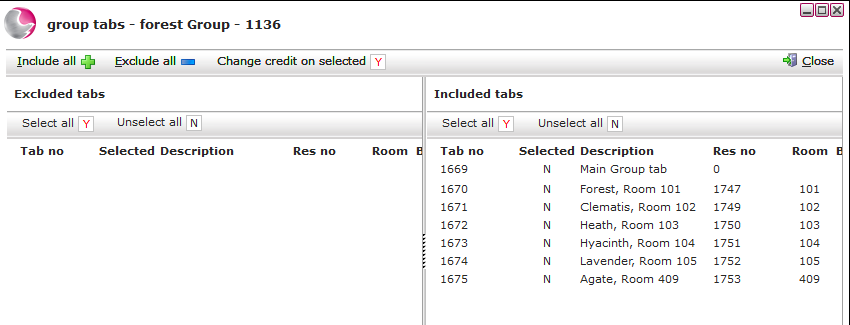
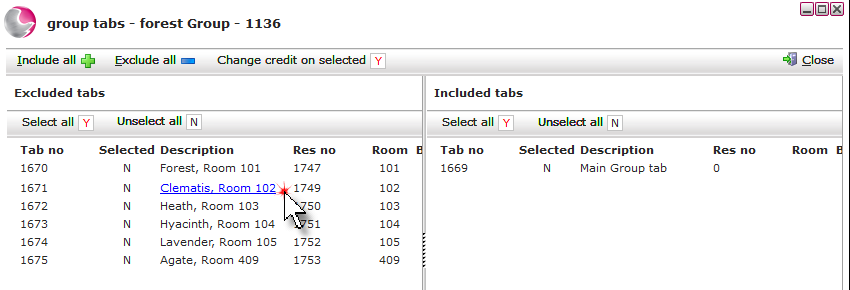
3. Included tabs will display on the right of the form, excluded tabs will show on the left.
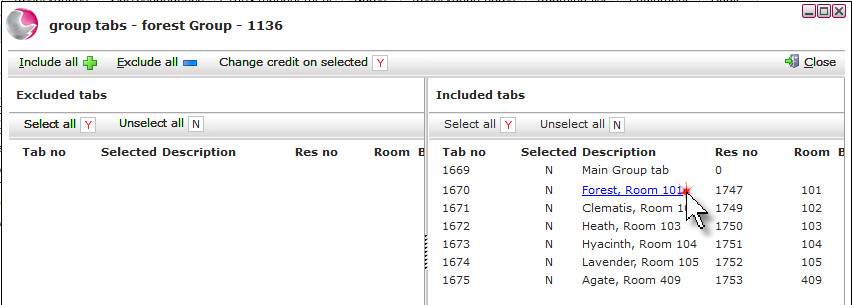
4. To exclude individual tabs: Click on the required tabs.
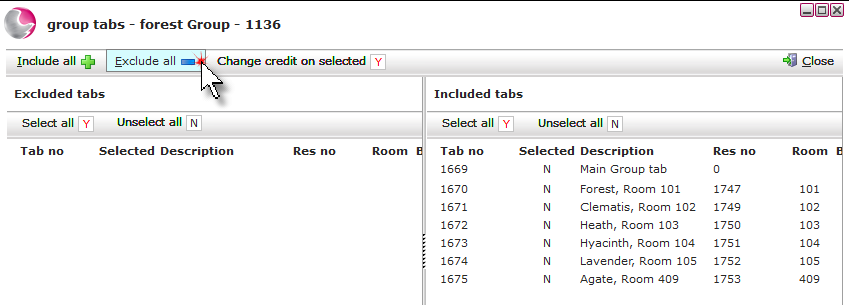
5. To exclude all tabs: Click on Exclude all.
6. To include individual tabs: Click on the required tabs.
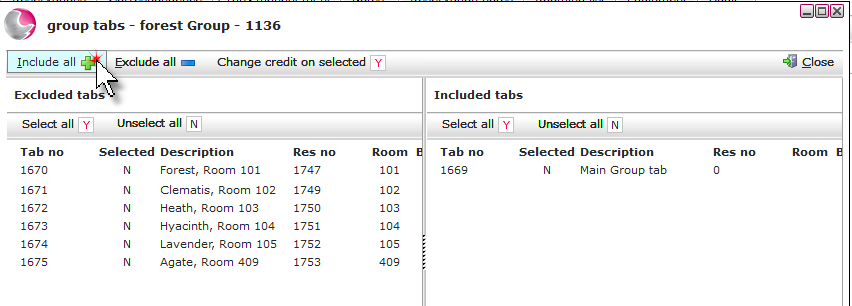
7. To include all tabs: Click on Include all.
See next: How to Settle Group Tab
How to amend Group Booking