
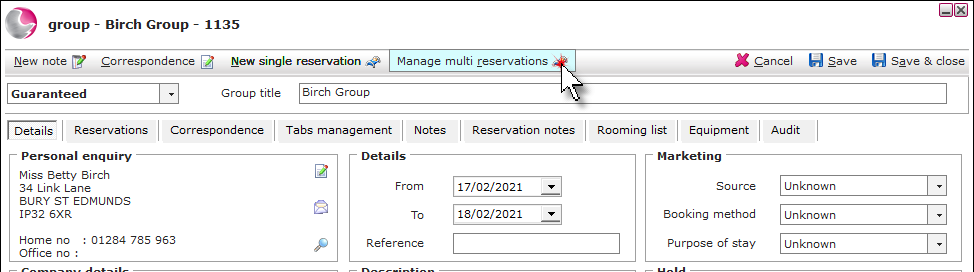
1. Open the Group booking and click Manage multi reservations.
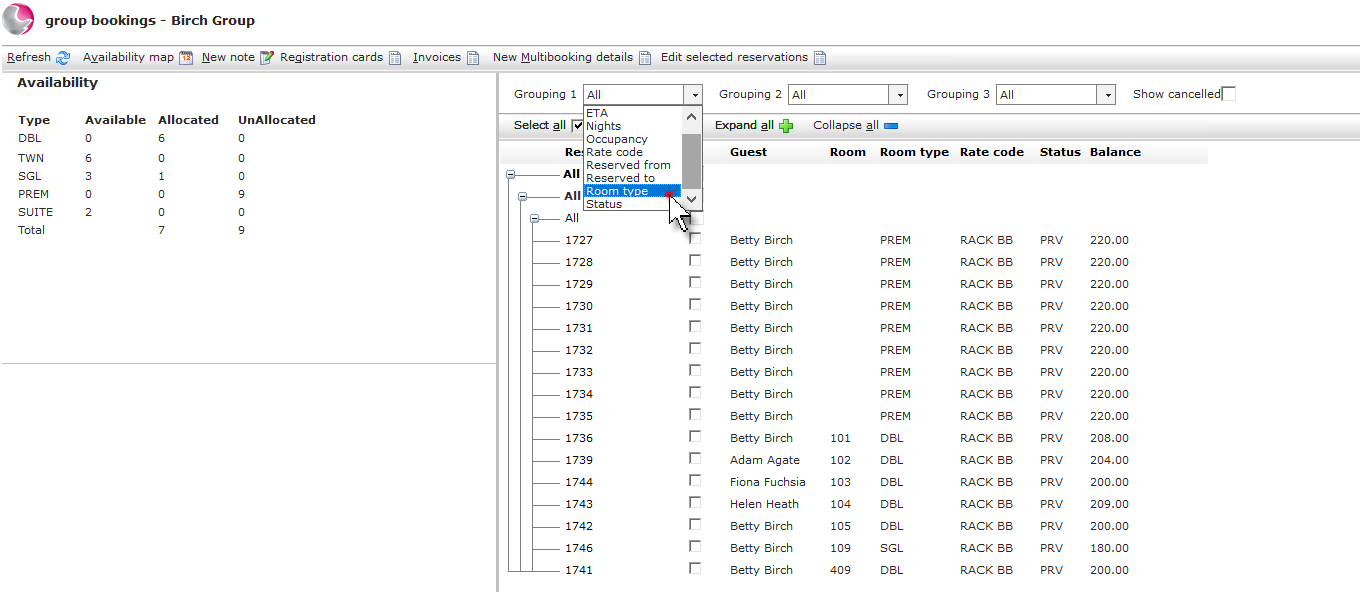
2. If required use the grouping 1 - 3 menus to filter the reservations.
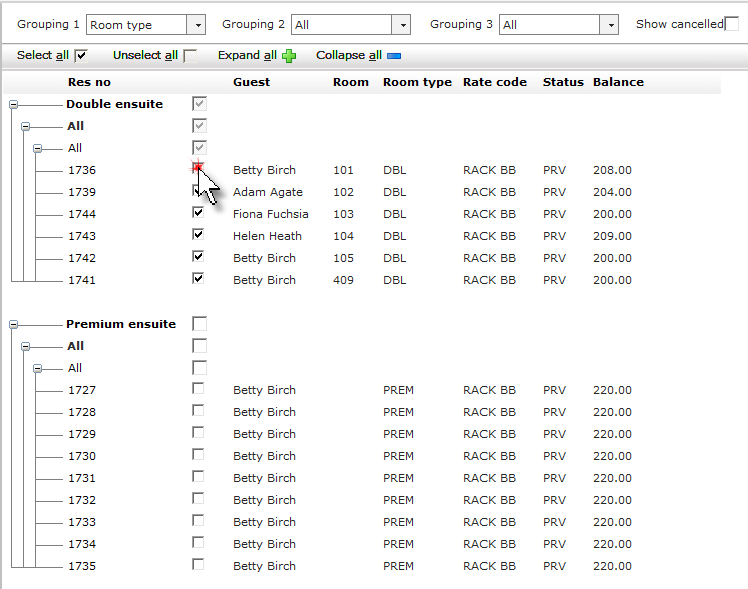
3. Tick the reservations that need to be amended.
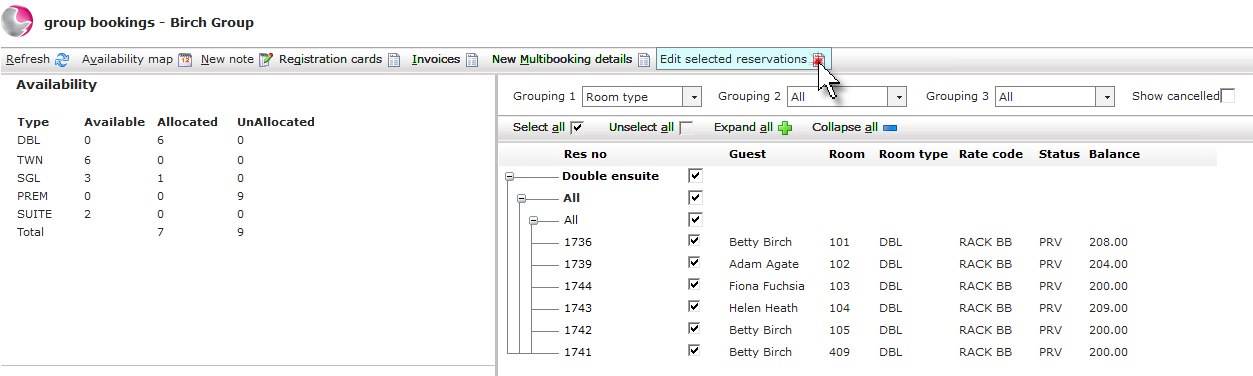
4. Click Edit selected reservations.
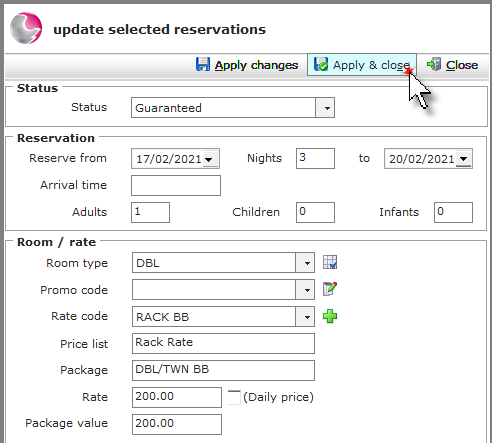
5. From the Update selected reservations form, make the changes to the selected reservations. i.e. Number of nights, reservation status, adults etc.
6. Click Apply & Close.
See next: How to Add Notes to Group Bookings
How to Settle Group Tab
How to Use Rooming List