
1. Open the function room booking and click on Function sheet.
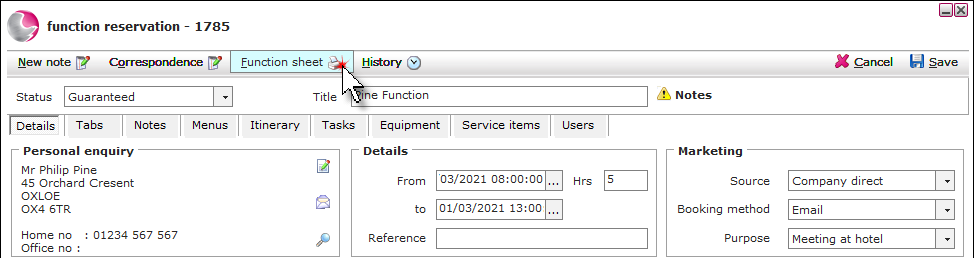
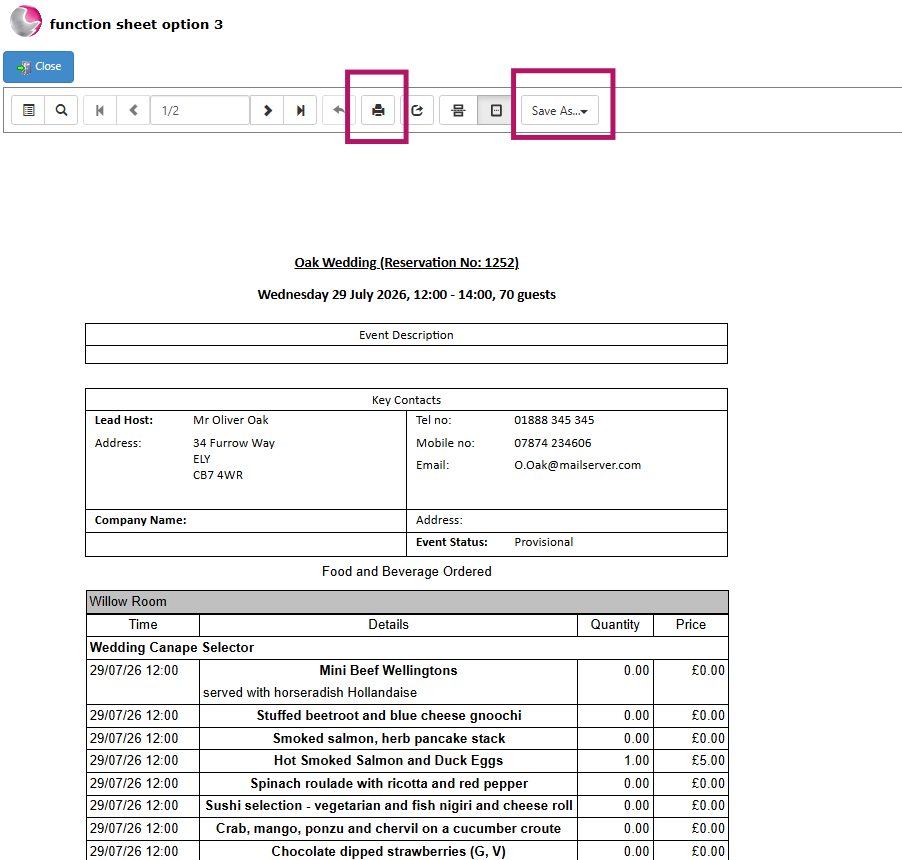
2. The Function Sheet will now be generated.
3. To print the Function Sheet, click the Print icon.
4. To save a copy to your computer, click Save As, then choose your preferred file format and save the document.
See next: How to Add Notes to a Function Room
How to Add Itinerary to a Function Room