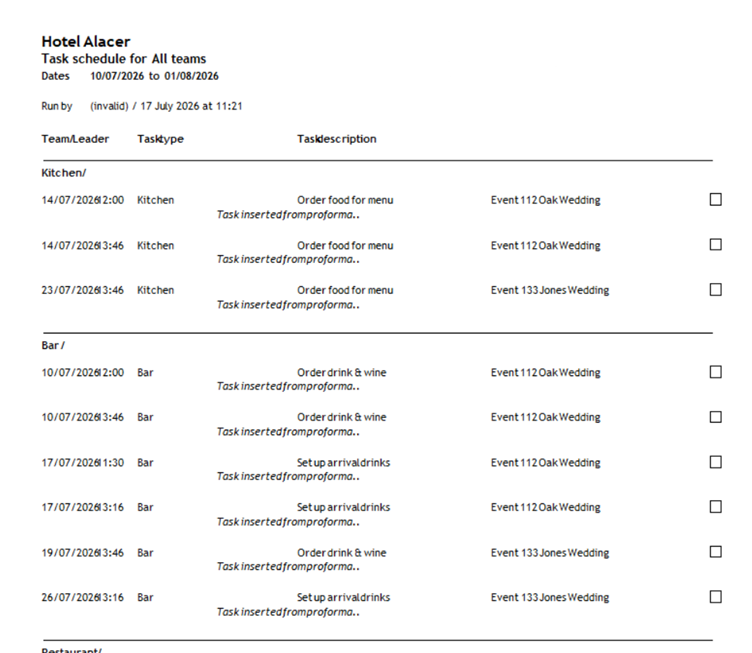
Task reports show upcoming work for each team.
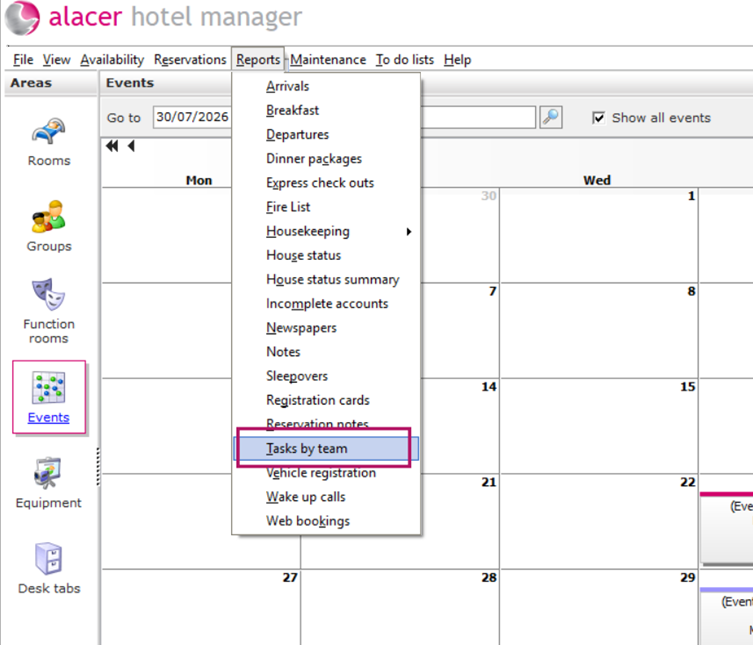
- Select Reports from the toolbar.
- Choose Tasks by Team.
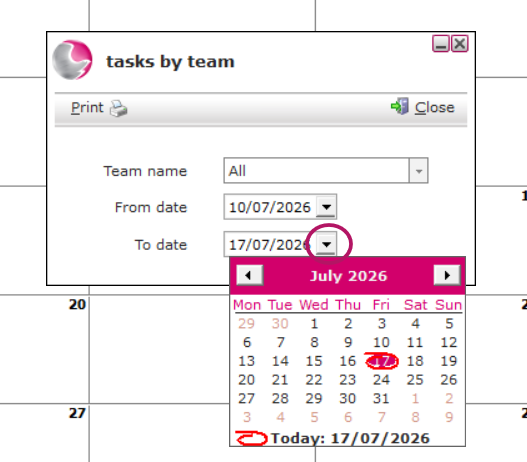
Select:
- A specific team (for example Reception Team), or
- All Teams.
Next, choose the reporting period.
For example: For a week or a month
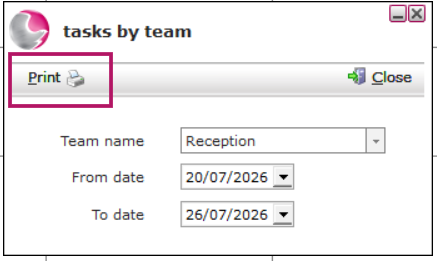
Click Print to Generate Report.
The report displays all tasks due within the selected date range.
If you selected All Teams, the tasks will be grouped by team.