
- Go to Maintenance → Events → Teams.
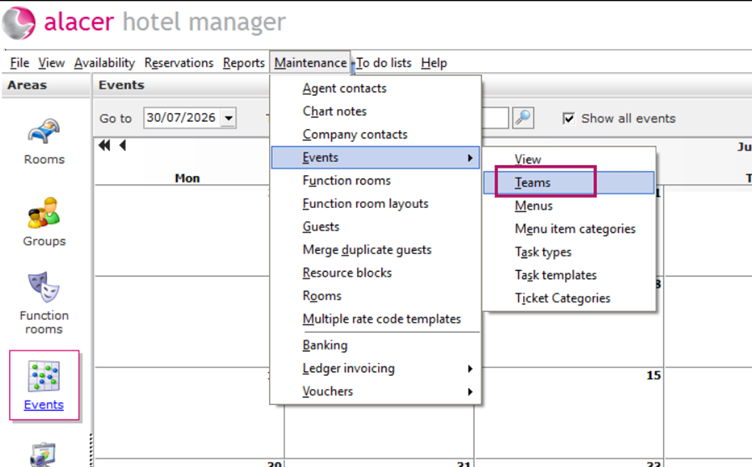
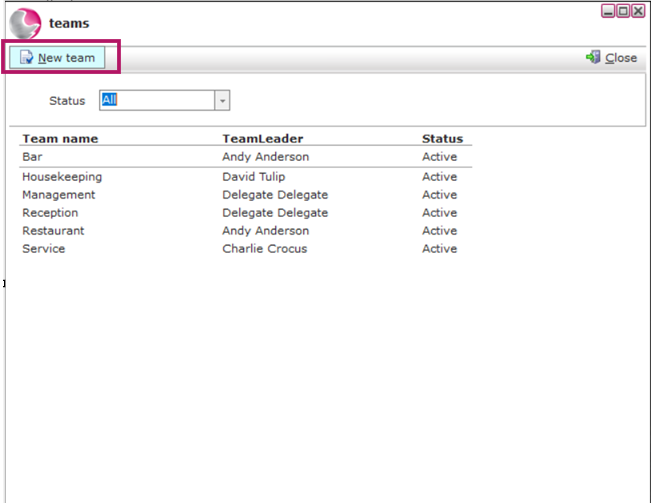
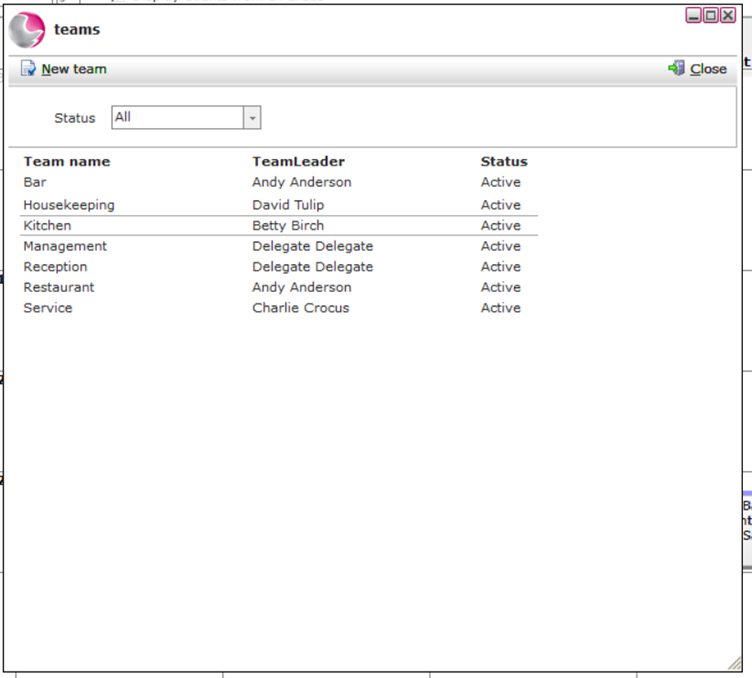
2. The Teams window will display all teams that are currently set up.
3. Click the New Team button.
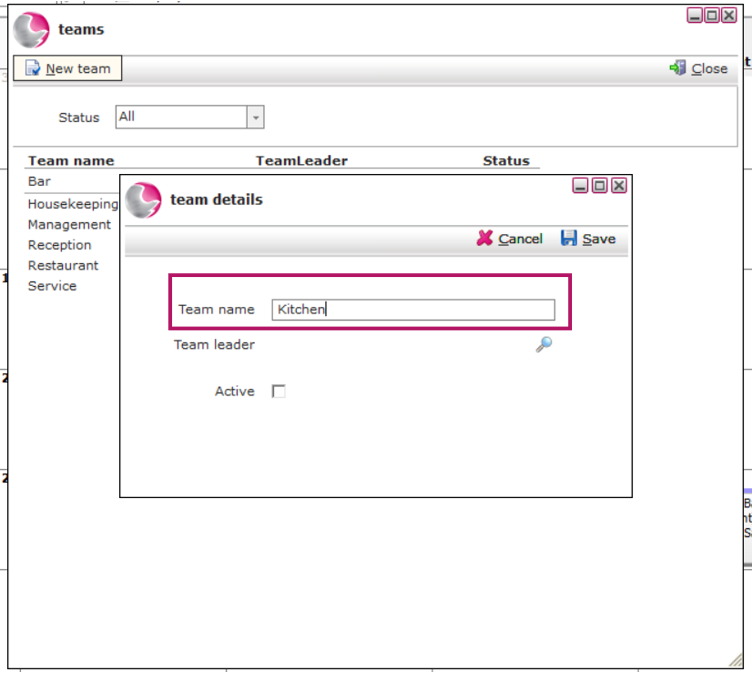
4. Enter the Team Name.
Example: Kitchen
5. Tick the Active checkbox.
6. Click Save.
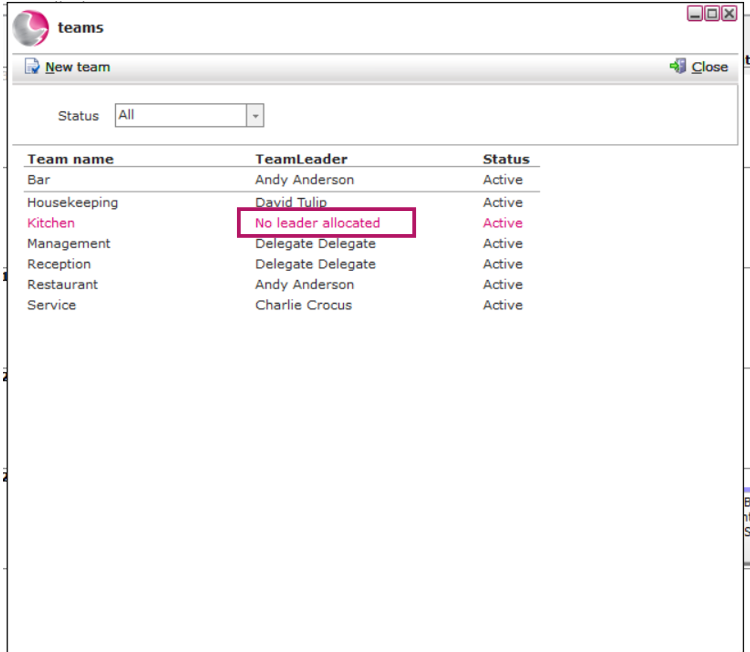
Your new team has now been created.
Assign a Team Leader (Optional)
You can also assign a team leader to the new team.
- Open the team you have just created.
2. Select an existing colleague, or click New Colleague to create a new one.
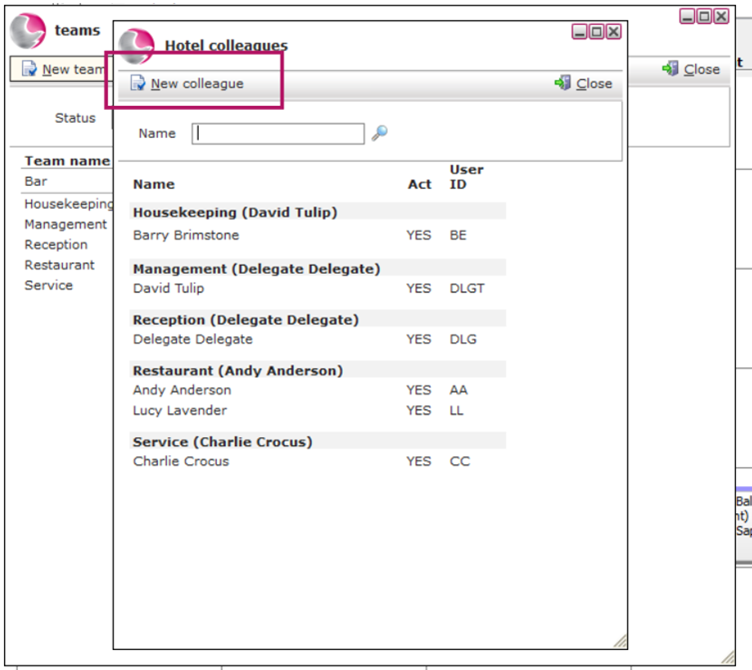
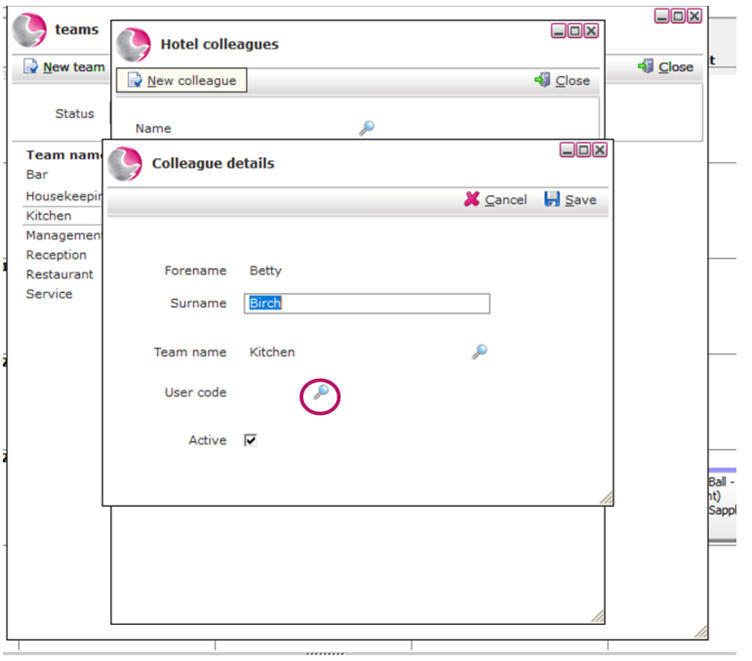
3. Enter the colleague's Forename and Surname.
4. Click the magnifying glass next to Team and select the appropriate team.
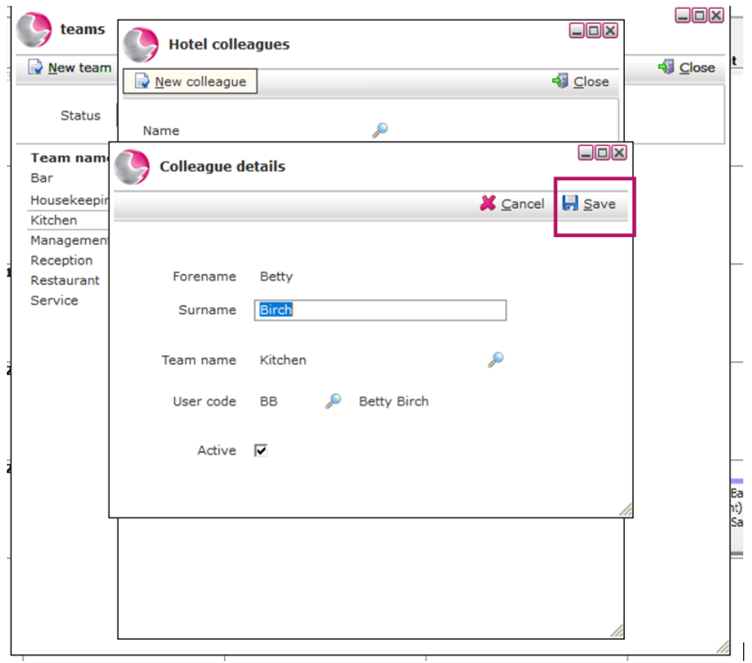
5. Click the magnifying glass next to User Code to link the colleague to their user profile in Admin Manager.
6. Click Save.
See next: How to Create a New Task