
The table below will define the features that are displayed or used via the chart:
 | Use the left arrow to look at older dates than the one currently displayed. |
 | Use the right arrow to look for future dates. |
  | Use the up and down arrows to move up and down the chart if all room types cannot be displayed on the screen. |
 | Press F8 on the keyboard to bring up the date selector and enter a date in the free type field.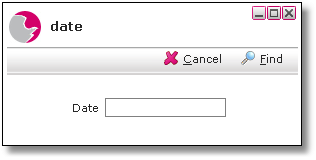 |
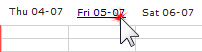 | Click once on any date along the top of the chart to bring up the date picker.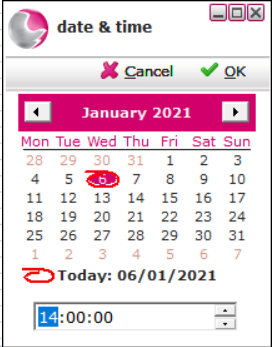 |
 | Click on this to refresh the chart to current availability. Always do this before making any booking decisions especially where there is more than one person making reservations. |
 | Click on this to display today's date that the chart begins with. |
 | Click this to auto-allocate any unallocated reservations. See How to Auto-Allocate Reservations |
 | Click this to optimise availability on the chart. See: How to Optimise the Chart |
See next: How to Use the Chart 1
How to Create a Reservation in Hotel Manager