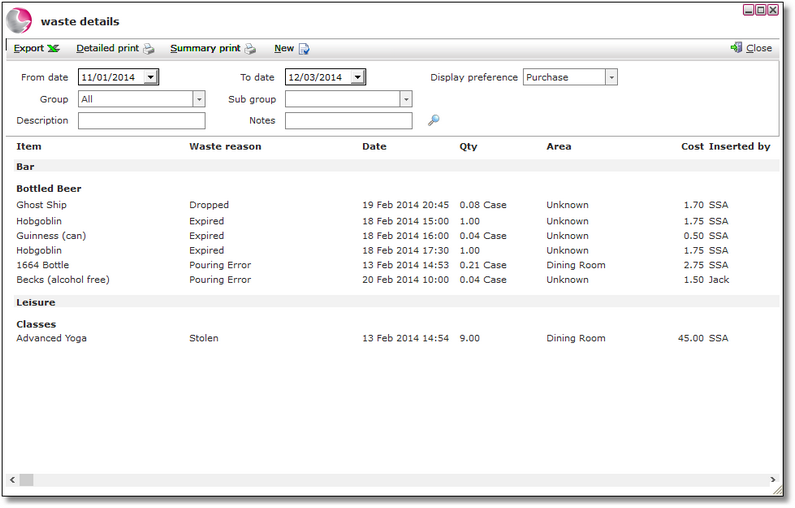
The waste report will show all the items that have been selected through the waste option in the EPOS application.
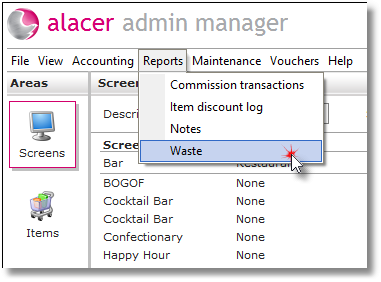
1. Select Waste from the Reports menu.
2. Select the from date and to date to display waste recorded during those dates.
3. Select a Display preference - This relates to the setup of the item in Stock Manager and will change the way the quantity is displayed
For example: case or bottle.