
If you regularly organise similar events, you can save time by using a Task Template.
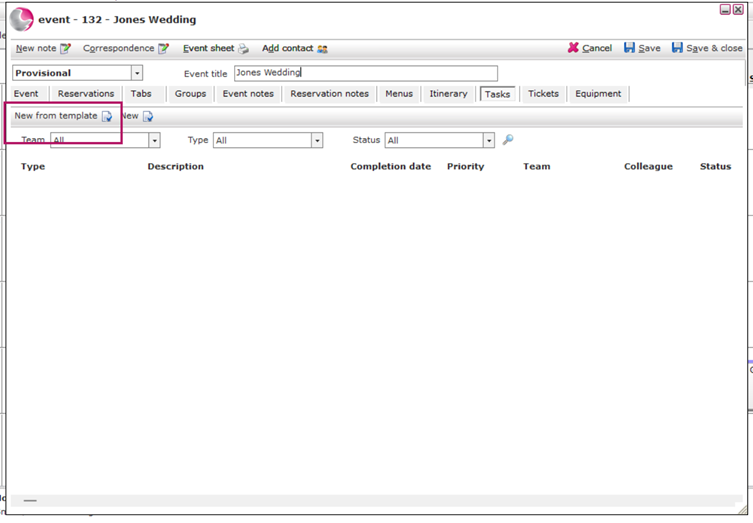
- Open the Tasks page.
- Click New from Template.
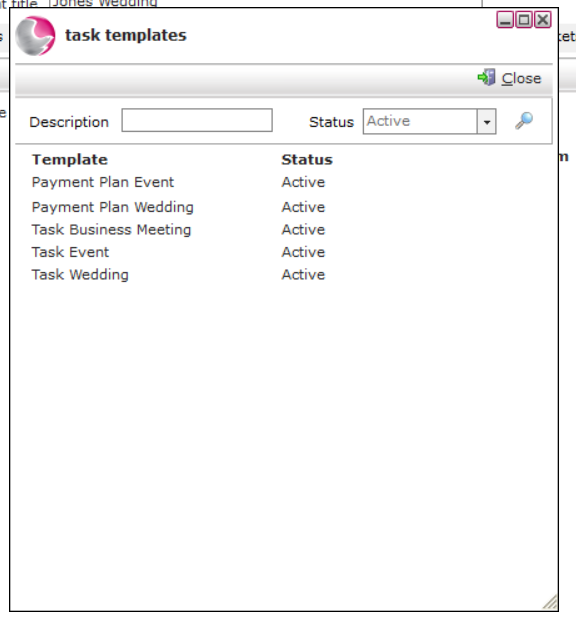
3. Select a template.
For this example, choose Task Wedding.
The system will automatically add all tasks from the template, each with its own completion date.
Learn more: How to Create a Task Template and How to Print Task by Team Report