
Modifiers are pre-written messages that can be attached to items on the EPOS to quickly communicate instructions to the kitchen or bar. They help staff enter orders more efficiently and ensure special requests are sent consistently.
If you find yourself repeatedly typing the same instruction on the till, consider creating it as a modifier.
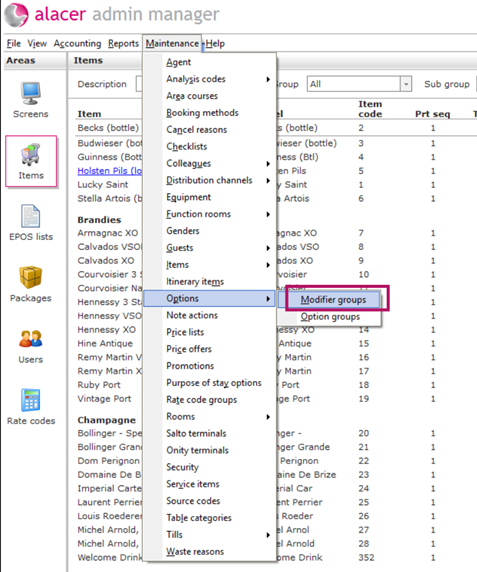
1. Go to Admin Manager → Maintenance Menu → Options → Modifier Groups.
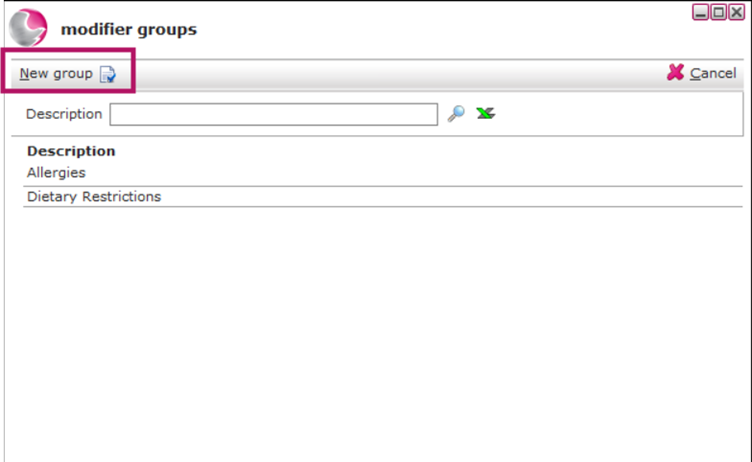
2. The window displays all modifier groups currently set up in the system. Click New Groupto create a new modifier group.
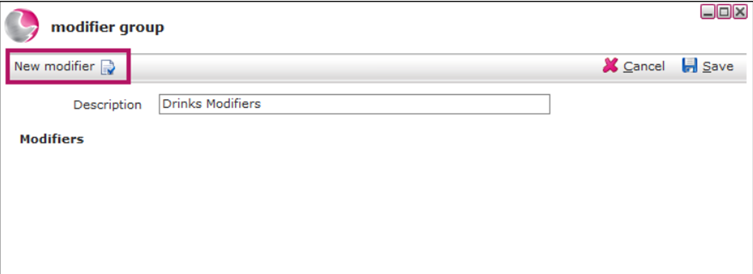
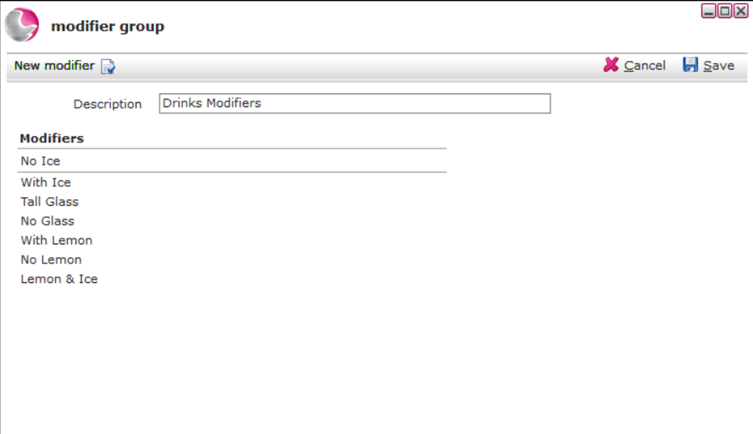
3. Enter a Description for the modifier group.
For example: Drinks Modifiers.
4. Click New Modifier to add a modifier.
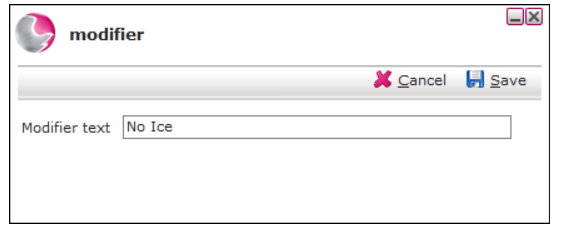
5. Enter the modifier text.
For example: No Ice.
6. Repeat this step to add as many modifiers as required to build a complete list of options for the group
See next: How to Create Item Options
How to Create Item Associations