
To Create a New Task Type:
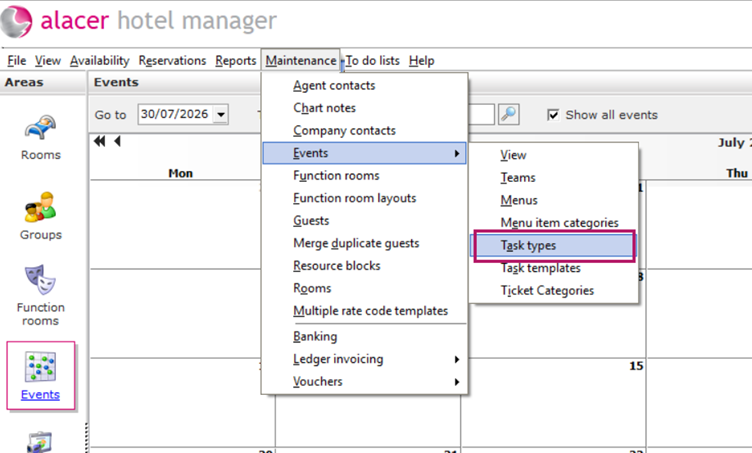
- Go to Maintenance in Hotel Manager.
- Select Events, then click Task Types.
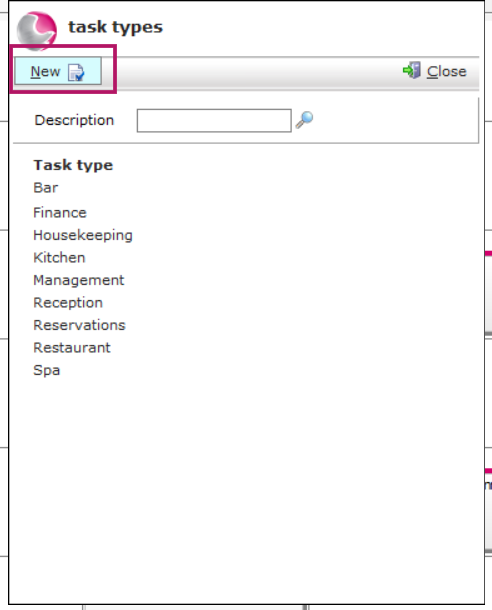
It will show you a list of existing Task Type. To create New one press New button top left corner.
3. The Task Types list will open, displaying all existing Task Types.
4. Click the New button in the top-left corner.
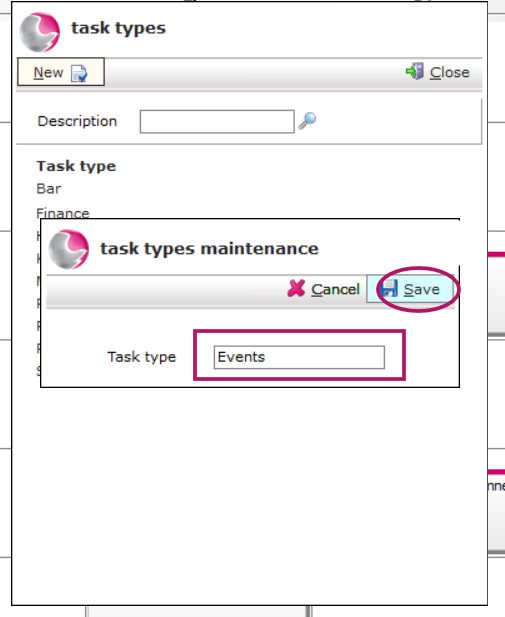
5. Enter the name of the new Task Type.
Example: Events
6. Click Save.
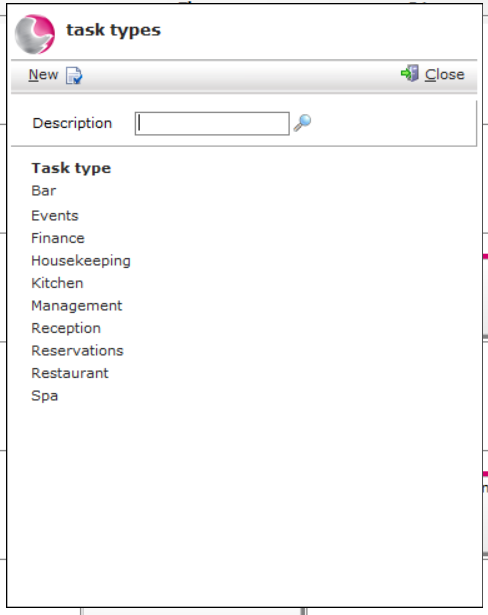
Your new Task Type is now available to select when creating a new task.
See next: How to Create a New Task,
See also: How to Add Tasks from a Template, How to Create a New Task Template