
Required Equipment allows you to automatically allocate equipment when an Experience is booked.
1. Go to Alacer Hospitality → Admin → Restaurant → Experiences and open an existing Experience or create a new one.
See How to Create an Experience.
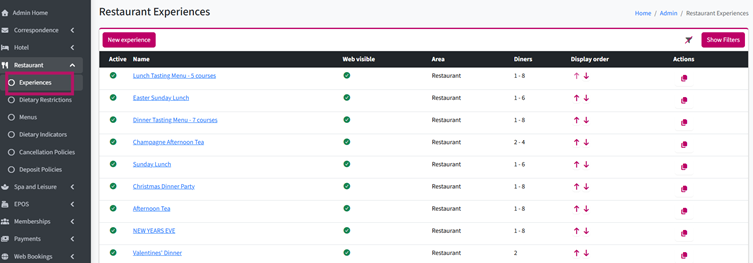
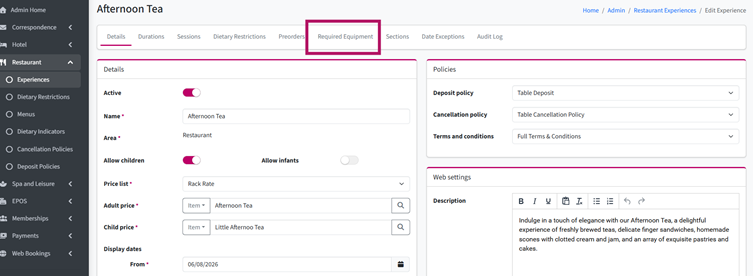
2. Open the Required Equipment tab.
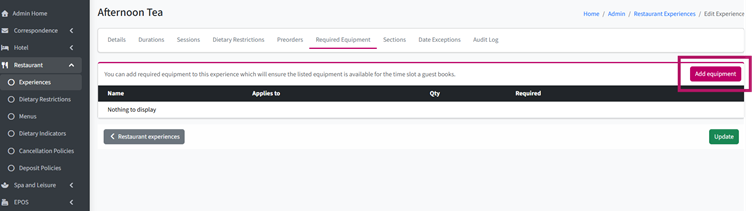
3. Click Add Equipment.
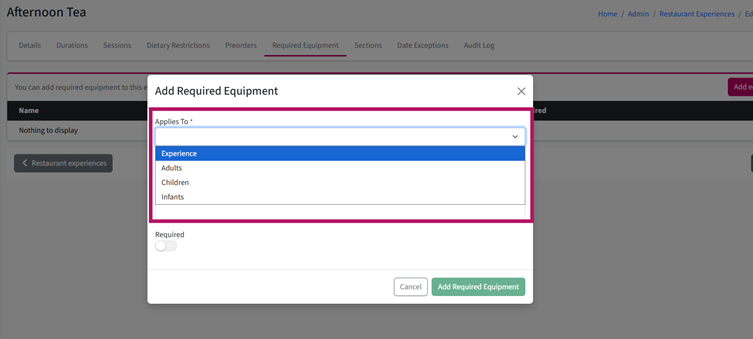
4. Choose whether the equipment should be allocated Per Experience (Reservation), Per Adult, Per Child, or Per Infant.
5. Click the Magnifying Glass to open the list of available equipment.
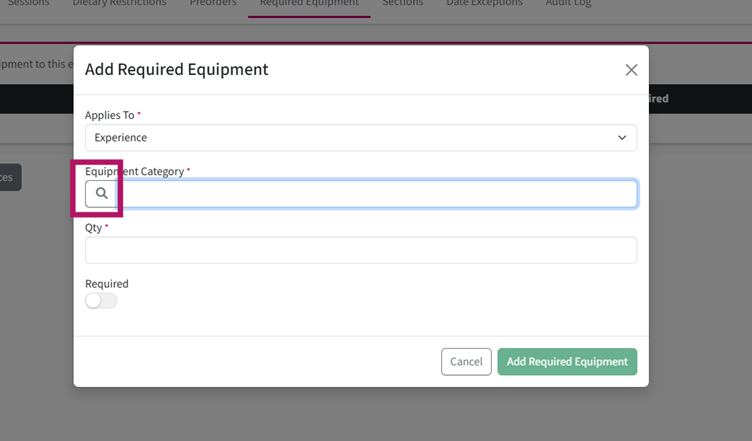
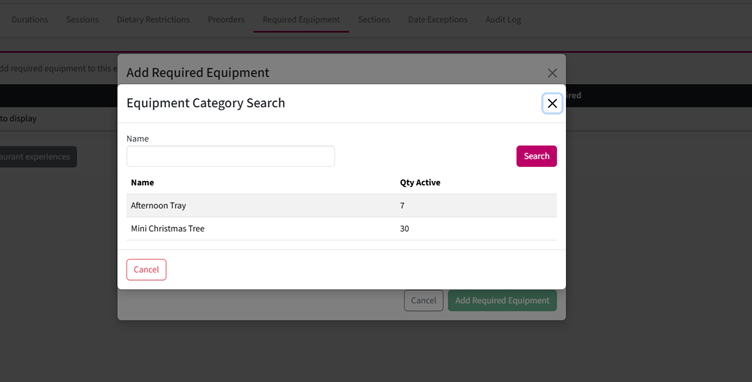
6. Select the required equipment.
Can't find it? See How to Create Equipment.
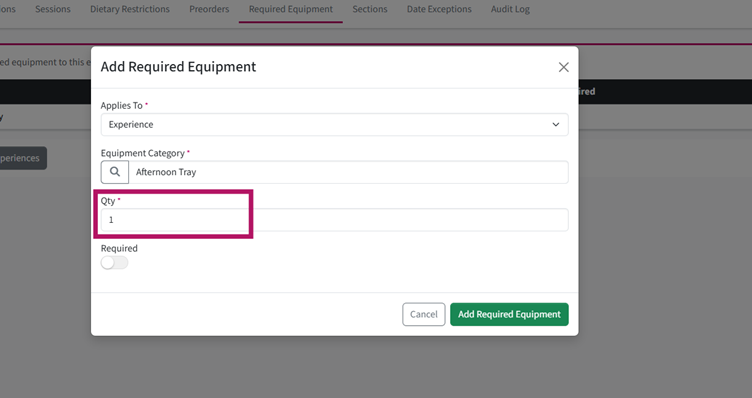
7. In the Qty field, enter how many items should be allocated.
For example, if each reservation requires one Afternoon Tea Stand, enter 1 and select Per Reservation.
8. Click Add Required Equipment.
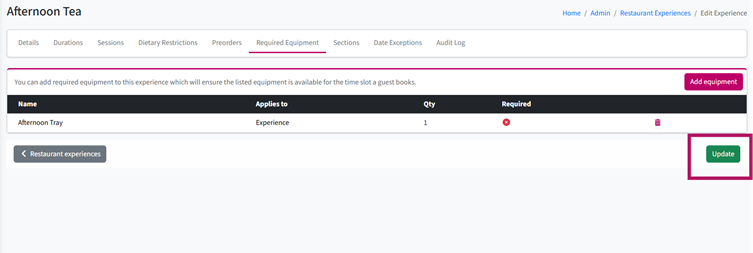
9. Click Update to save your changes.
See How to Set Up Dietary Restrictions
How to Set Up a Promo Code